
Get the App
Put Awet N'Hafash on your home screen for one-tap access to your shifts, shirts, and every update. Free, no app store needed.
iPhone (Safari)
-
1. Tap Share. Open this page in Safari, then tap the Share button (square with an arrow) at the bottom of the screen.
-
2. Tap Add to Home Screen. In the share sheet, scroll down if needed and tap it.
-
3. Tap Add. Confirm the name, tap Add in the top right, and the icon lands on your home screen.
Android (Chrome)
-
1. Tap Install App on this page. If you do not see it, tap the three-dot menu in Chrome instead.
-
2. Tap Install on the confirmation. From the Chrome menu, choose Add to Home screen, then Add.
-
3. Done. The icon appears on your home screen. Open it like any other app.
Share it
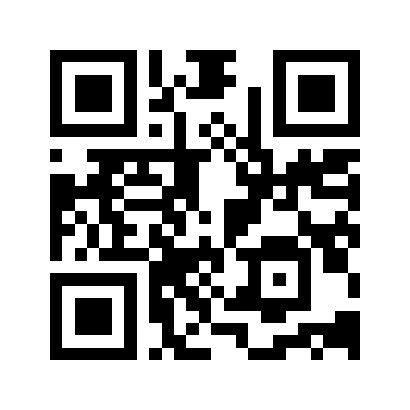
Point a phone camera at this code to open the app, then follow the steps above to add it to the home screen. Post it in the group chat.